Getting started
How do you make a Dante ‘very Chinese time’ meme video?
To make a Dante ‘very Chinese time’ video with Very Chinese Time, open the studio, edit a short scene and dialogue prompt, select the edition, duration and resolution, then generate. The character reference is included. Completed videos have generated audio and an MP4 download.
What makes this video format recognizable?
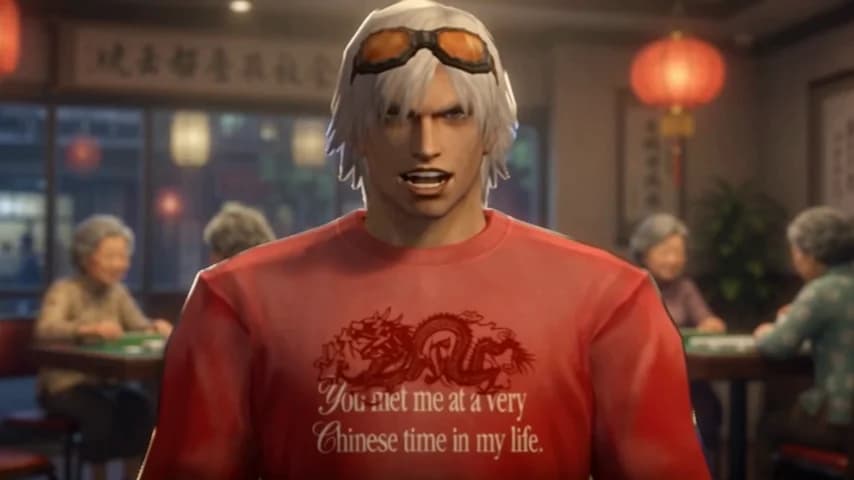
Our version combines an old-game cutscene look, a dramatic character and an ordinary problem treated with far too much seriousness. The scene establishes the habit; the dialogue makes it increasingly ridiculous; the familiar ‘very Chinese time’ line ties it together.
A useful starting point is a situation you can describe in one sentence: a thermos that goes everywhere, slippers for every room, or a mahjong game that has taken over the weekend. This gives the viewer something to understand before the punchline arrives. Our meme explainer covers the phrase’s background separately.
How do I create one in the studio?
You don’t need to prepare or upload a character image. Very Chinese Time supplies a fixed reference, and the prompt field stays editable.
- Sign in and check your available credits. Open one of the hot water, mahjong or slippers examples if you want a starting point.
- Edit the prompt. Describe one setting, one main action and the exact dialogue. Keep visual directions separate from the words you want spoken.
- Choose Standard or Pro, a supported duration, 480p or an available 720p option, and portrait or landscape framing. Check the displayed credit quote before generating.
- Generate the clip. When it finishes, play it with sound, review the result and download the MP4. You can also find completed videos in My Creations.
What should my first prompt look like?
Try a simple scene before adding multiple locations and supporting characters. The following is an original starting prompt for this app, not a transcript of a creator’s video. It is deliberately short so you can focus on delivery.
Create a nostalgic PS2-style cutscene using the supplied character reference. Keep his appearance consistent. He sits at a kitchen table, holding a thermos with complete seriousness. One slow camera push-in. Dry, conversational male delivery. Dialogue: "This thermos goes everywhere with me. Even devil may cry."
Why does the dialogue get cut off?
A long monologue and a short clip ask for conflicting things. Read the dialogue aloud at the pace you want, including pauses and the final reaction. If it runs longer than the selected duration, shorten the script or select a longer supported clip before generating.
Standard supports up to 15 seconds; Pro supports up to 30 seconds. Even a longer selection does not guarantee perfect delivery of every word. AI speech, lip sync and motion can vary between generations.
What should I check before posting?
Listen for missing words, check that the character’s mouth and gestures make sense, and look for unintended extra people or visual details. The preview examples show possible outputs, not a promise that every generation will match them. If a result has a problem, use Feedback or report beside the completed video.
Keep the joke about the character’s specific behavior. Review the Terms and Acceptable Use Policy before sharing. This is an independent fan-made tool; paying for generation does not grant rights to a third-party character or music. None of our guides promise that a clip will go viral.
Next in your Chinese era.
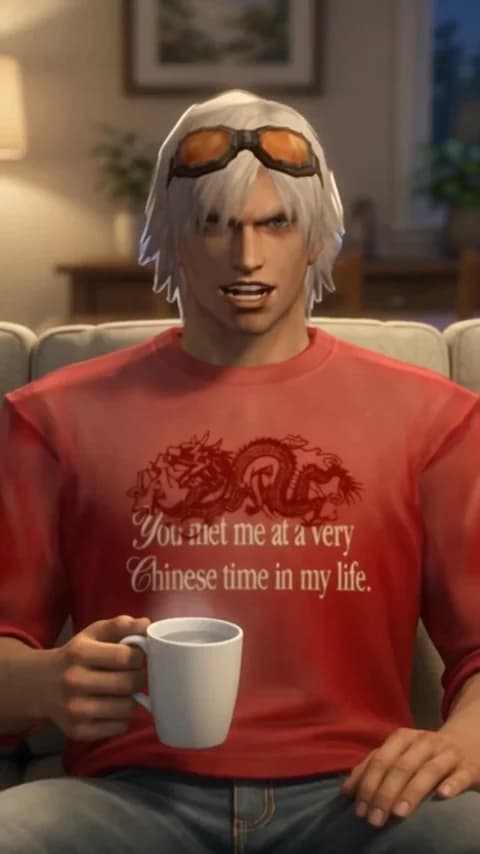
What should I write in a ‘very Chinese time’ meme prompt?
Three original prompt ideas for hot water, mahjong and house slippers, plus a reusable structure for a short, deadpan AI video monologue.
Read the guide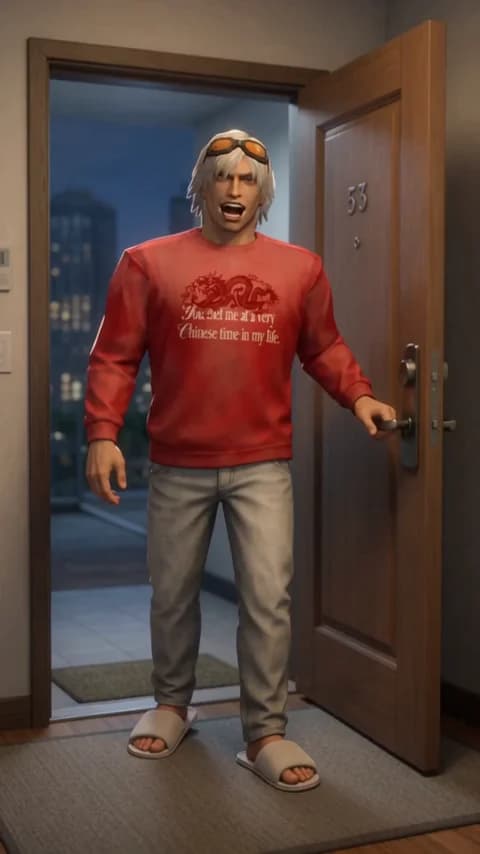
Should I choose 480p or 720p, and how long should my meme video be?
Compare Standard and Pro, portrait and landscape, and short versus longer scripts without guessing the credit cost of your next meme video.
Read the guide