Video settings
Should I choose 480p or 720p, and how long should my meme video be?
Very Chinese Time defaults to a 5-second Standard video at 480p. Standard supports 3–15 seconds at 480p; Pro supports 2–30 seconds at 480p or 720p. Choose the duration for your spoken script and check the studio’s quote, because both duration and resolution affect the credits required.
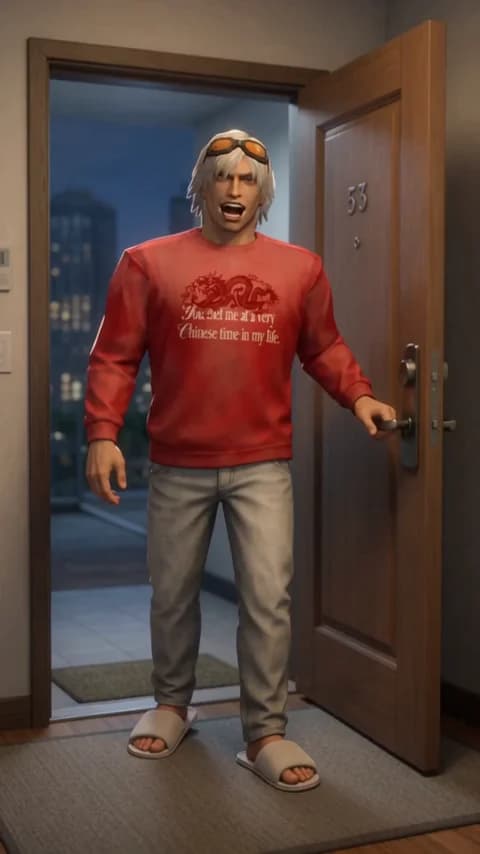
How do I choose a duration that fits the joke?
Start by timing the dialogue aloud. Then allow room for the visual reaction that makes the joke work. A short glance at an ice cube needs less screen time than a story about how a thermos became your most important possession.
A five-second clip is a useful starting point for a visual beat or a very short sentence. A longer monologue needs more time, but selecting the maximum duration is not a substitute for editing. If your spoken read is too long for the supported limit, remove sentences rather than expecting the model to speak unnaturally fast.
What changes when I select 720p?
720p requests a higher output resolution than 480p and costs more credits at the same Pro duration. In this app, 720p is available on Pro. It is useful when your output needs more image detail, but a higher resolution does not guarantee better comedy, character consistency, lip sync or dialogue accuracy.
Use the generated previews to judge what matters for your clip. If you are still deciding on the script, you may prefer the lower credit cost of 480p. Once the script and intended framing are clear, decide whether the additional resolution is worth the displayed cost for your use.
Should I use portrait or landscape?
Choose 9:16 for a tall composition and 16:9 for a wide composition. Match the setting to where you plan to show the video. Portrait can keep a face and a thermos central; landscape can give a mahjong table and surrounding reactions more room.
Specify a camera composition that fits the selected shape. A wide room full of details may be difficult to read in a tall frame. Keep the key prop and facial expression visible. Changing resolution does not change the selected aspect ratio.
How do settings affect the credit cost?
The studio displays the quote for the current edition, duration and resolution before generation. The pricing page uses the same quote calculation. There is no single fixed credit cost for every video, and a credit pack’s number of possible videos depends on the settings you choose.
An insufficient-credit message lets you adjust the settings, add credits, or reconsider the script. The backend checks your balance before starting a new video. If a generation fails or is blocked by the content checks, reserved credits are returned; this is separate from a refund to your payment method.
Do I need a Pro subscription to select Pro?
No. A successful paid credit-pack purchase can unlock Pro generation, as can a subscription. The account must have a qualifying non-revoked paid credit grant, and each generation still needs enough available credits. Free signup credits alone do not unlock Pro.
The Pro model option and the Pro Monthly subscription are different choices. The edition controls the available generation settings; the subscription controls the credit allowance. Review the current plans and exact generation quote on the pricing page before buying.
Next in your Chinese era.
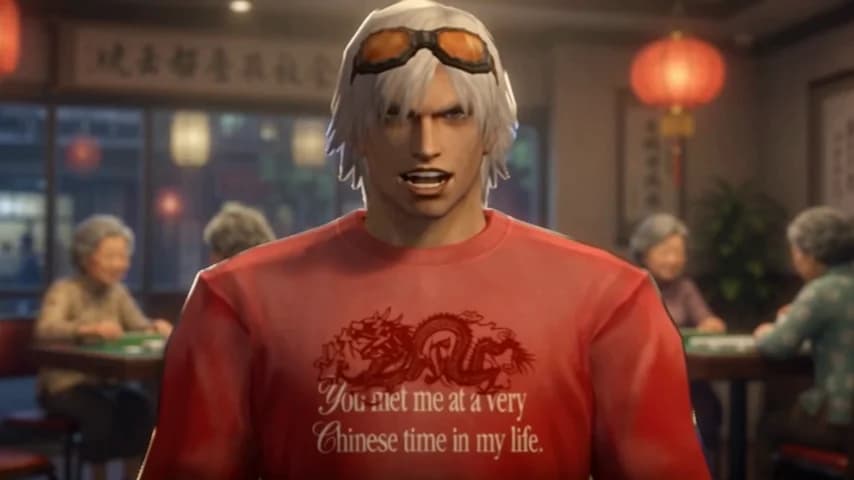
How do you make a Dante ‘very Chinese time’ meme video?
A practical walkthrough: write a short Dante monologue, choose your video settings, generate a cutscene and review the result before sharing.
Read the guide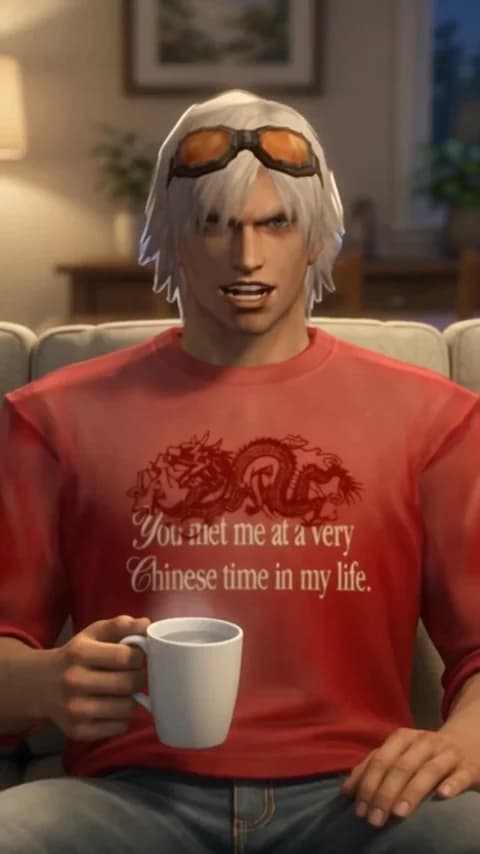
What should I write in a ‘very Chinese time’ meme prompt?
Three original prompt ideas for hot water, mahjong and house slippers, plus a reusable structure for a short, deadpan AI video monologue.
Read the guide